
Window Peeper Filter or AI Generator?
Learn what people mean by the Window Peeper filter and how a one-photo AI video generator creates the trend differently.
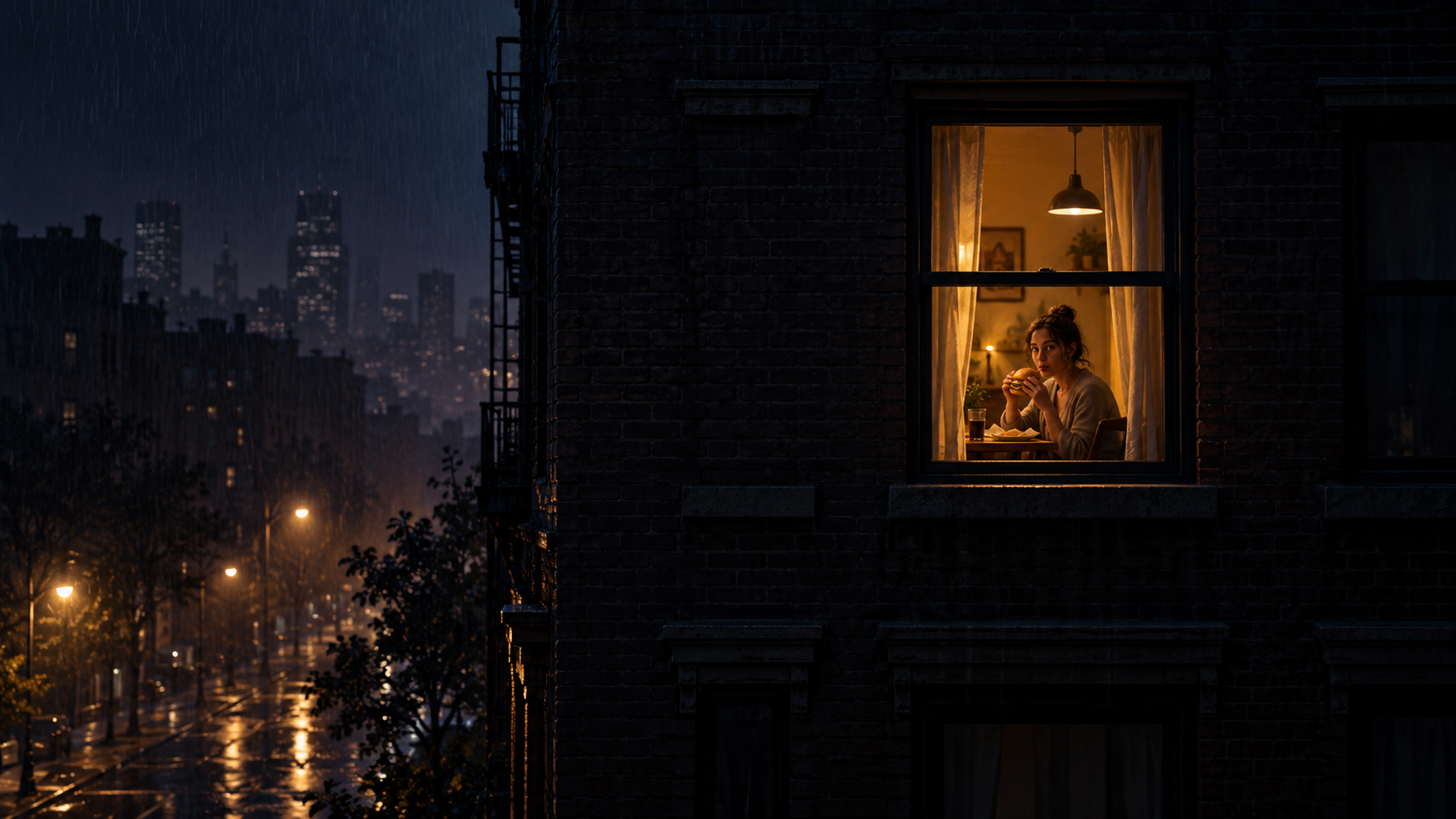
“Window Peeper filter” is one of the most natural things to type after seeing the trend. The finished clip looks like a single effect: start outside, fly toward the window, find the subject, and catch the stare. But not every version is made with a live camera filter.
Some are edited from templates. Others use an AI video generator. Understanding the difference helps you find the quickest workflow for the result you want.
What is a camera filter?
A camera filter changes the live view while you record or take a picture. Face masks, color looks, virtual backgrounds, and real-time distortions are familiar examples. You point the camera, see the effect immediately, and record through it.
The Window Peeper sequence is more complex because it appears to travel through a large exterior space before arriving at the face. That is why creators often use editing or generation instead of a traditional live filter.
What does a Window Peeper AI generator do?
A Window Peeper AI video generator starts with a saved photo. The photo supplies the subject, while the generator creates the wider scene and camera movement around it. The result is a new video rather than a real-time camera overlay.
That distinction explains why the photo matters. The final close-up must remain readable after the dramatic approach, so a sharp face and clean crop are more useful than an elaborate prompt.
Why do people still call it a filter?
On short-form platforms, “filter” often becomes shorthand for any repeatable visual effect. It is quick language, even when the underlying method is a template or AI generation. Searching for “Window Peeper filter” can therefore lead to several different tool types.
Before choosing one, check what the page asks you to provide:
- If it opens the camera and changes the live view, it is a filter.
- If it asks you to replace media in a timeline, it is a template.
- If it asks for a photo and creates a new clip, it is a generator.
Which one should you use?
Choose based on the experience you want, not the label:
- Use a live filter when you want to perform the reaction while recording.
- Use a template when you want to control edits, captions, and timing.
- Use a Window Peeper AI generator when you want one photo to become the complete effect.
For the one-photo route, open Window Peeper AI. If you want a deeper template comparison, see Window Peeper AI vs CapCut.
A better search phrase when you want one photo
Try “window peeper ai video generator,” “one photo to window peeper video,” or “how to make window peeper video without CapCut.” Those phrases describe the actual workflow more precisely than “filter.”
Once you have the right tool, the remaining decision is the source image. Use the Window Peeper photo tips to choose a portrait that will hold up during the final reveal.
Keep exploring
Related Window Peeper guides
Window Peeper AI vs CapCut Template
Compare a one-photo Window Peeper AI video generator with a Window Peeper CapCut template and choose the right workflow.
Read articleTrend guideWindow Peeper Trend: Meaning, Meme and Effect
Learn what the Window Peeper trend means, how the burger-window meme works, and how creators remake the AI window-zoom effect.
Read articlePut the guide into practice
Make your Window Peeper video.
Upload one photo and create the complete 15-second window-zoom moment.